
Introduction
Running a business is no small feat. You’re juggling customer service, operations, marketing, and everything in between. But what if we told you that some of that work could run itself — and you don’t even need to know how to code?
Welcome to the world of no-code automation — smart, simple solutions that save you time and energy. Whether you’re a solo entrepreneur, a small team, or scaling fast, these automation tips will help you work smarter, not harder.

Why Automation Matters
Let’s start with a truth: your time is valuable.
Every hour spent sending repetitive emails, updating spreadsheets, or managing bookings manually is an hour not spent growing your business. Automation gives you back those hours.
The best part? You don’t need a tech degree or a big team to start. All you need is the right tools and a little guidance — and that’s exactly what we’re here to provide.

1. Automate Your Emails with Smart Sequences
Think of your inbox as your personal assistant. It can do more than just send one-off replies — with the right setup, it can nurture leads, follow up with clients, and onboard new customers automatically.
Here’s how:
-
Use tools like Mailchimp, ConvertKit, or MailerLite
-
Create an email sequence that sends messages based on user behavior
-
For example:
-
Day 1: Welcome email
-
Day 3: Free resource or case study
-
Day 5: Offer or service introduction
-
💡 Pro Tip: Personalize emails with first names or business names for better open rates.
You write it once — and it works for you 24/7.

2. Set Up a Booking System That Runs Itself
Tired of emailing back and forth to set meeting times? A booking system can do it all for you — sync with your calendar, avoid double bookings, and send reminders.
Try tools like:
-
Calendly
-
TidyCal
-
Acuity Scheduling
You simply:
-
Set your available hours
-
Connect it to your calendar (Google, Outlook, etc.)
-
Share your link with clients
Clients pick a time that works for them, and everything else happens automatically — even the Zoom link!
🚀 Bonus: Add intake questions so you’re prepared before every meeting.
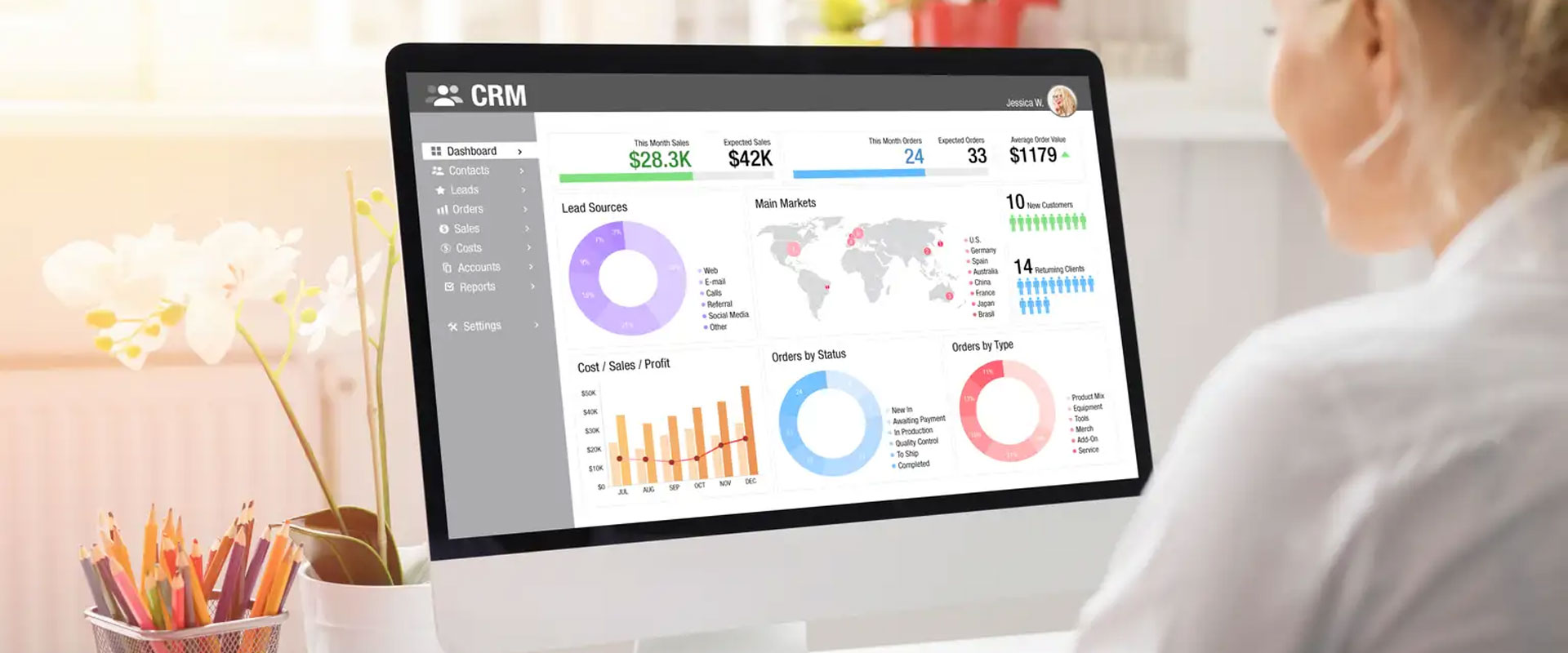
3. Use a CRM to Track Leads & Clients (Without the Messy Spreadsheets)
Still tracking customers with Excel? It’s time for an upgrade — without the overwhelm.
A CRM (Customer Relationship Management system) helps you:
-
Track where each lead is in your pipeline
-
Store contact details and notes
-
Send follow-ups on autopilot
No-code CRMs like:
-
HubSpot (free version available)
-
Notion (with templates)
-
Streak CRM (for Gmail users)
These are simple to set up and offer drag-and-drop tools to organize everything. Plus, you can integrate them with your email and website.
👨💼 Even if you only have 10-20 leads per month, a CRM keeps you organized and helps close more deals.
Bonus: Zapier — The Glue Between All Your Tools
If you want to get fancy (but still keep it simple), meet Zapier. It connects all your favorite tools so they talk to each other.
Example:
-
New lead fills out a website form → Zapier adds them to your CRM → Sends a welcome email → Adds a task in your to-do app.
All without you lifting a finger.
Real Results: What Our Clients Are Seeing
At Hand Shake Solutions, we’ve helped clients:
-
Save 5–10 hours per week on admin work
-
Double their follow-up response rate with email automation
-
Get more bookings by adding a self-service calendar to their website
And we do all this without writing a single line of code.
Final Thoughts
You don’t need to become a developer or hire a big tech team to start using automation. You just need the right partner to set things up — and that’s where we come in.
Let us help you:
✅ Automate your day-to-day
✅ Save hours each week
✅ Grow your business without burning out