Introduction
If you’re a solo entrepreneur, you’re juggling everything — marketing, client calls, proposals, invoices, follow-ups, and maybe even tech headaches.
Let’s simplify that.
A tech stack doesn’t have to be overwhelming or expensive. In fact, with just a few smart tools, you can automate tasks, stay organized, and look way more professional — without hiring a full team.
This post will walk you through the core tech tools you actually need as a one-person business. No fluff. No coding. Just the essentials that help you work smarter.
What Is a Tech Stack, Anyway?
A tech stack is simply the group of software tools you use to run your business.
It’s like your digital toolkit — helping you:
-
Get things done faster
-
Stay consistent and professional
-
Scale without chaos
The best part? You don’t need 20 apps. You just need the right 5 to 7 tools that work together.
Your Essential Solo Tech Stack (Made Simple)
Let’s break it down into clear categories — with top tool recommendations for each.
1. Website & Landing Pages
You need an online home — even if it’s just a single page.
✅ Why It Matters: Builds trust, explains what you do, and lets people reach you.
Tools We Recommend:
-
Carrd – Simple, beautiful one-page websites. Great for beginners.
-
WordPress + Elementor – More flexibility if you want to grow later.
-
Webflow – Clean and modern; great for portfolio sites.
💡 Bonus Tip: Use a custom domain (like yourname.com) — it boosts your credibility fast.

2. Scheduling & Meetings
No more email ping-pong trying to book a time.
✅ Why It Matters: Automates your appointment setting, saves hours, and looks pro.
Tools We Recommend:
-
Calendly – Easiest tool to send a booking link. Syncs with Google Calendar.
-
TidyCal – Great low-cost alternative.
-
Zoom / Google Meet – For hosting your actual calls.

3. CRM (Customer Relationship Management)
Store your leads, client notes, and follow-up tasks in one place.
✅ Why It Matters: Keeps you organized, helps close more deals.
Tools We Recommend:
-
HubSpot CRM (Free) – Great all-rounder for most solo businesses.
-
Streak (Gmail) – Use it right from your inbox.
-
Notion (with CRM template) – Super flexible if you’re a DIY type.

4. Email Marketing
You don’t need 10,000 subscribers to start emailing people — even 10 is enough.
✅ Why It Matters: Stay in touch, build trust, sell more.
Tools We Recommend:
-
MailerLite – Simple, visual editor, free for up to 1,000 subs.
-
ConvertKit – Great for creators and solopreneurs.
-
Flodesk – Gorgeous email templates with flat pricing.
💡 Bonus: Set up a simple welcome email or 3-step sequence. Automation = freedom.
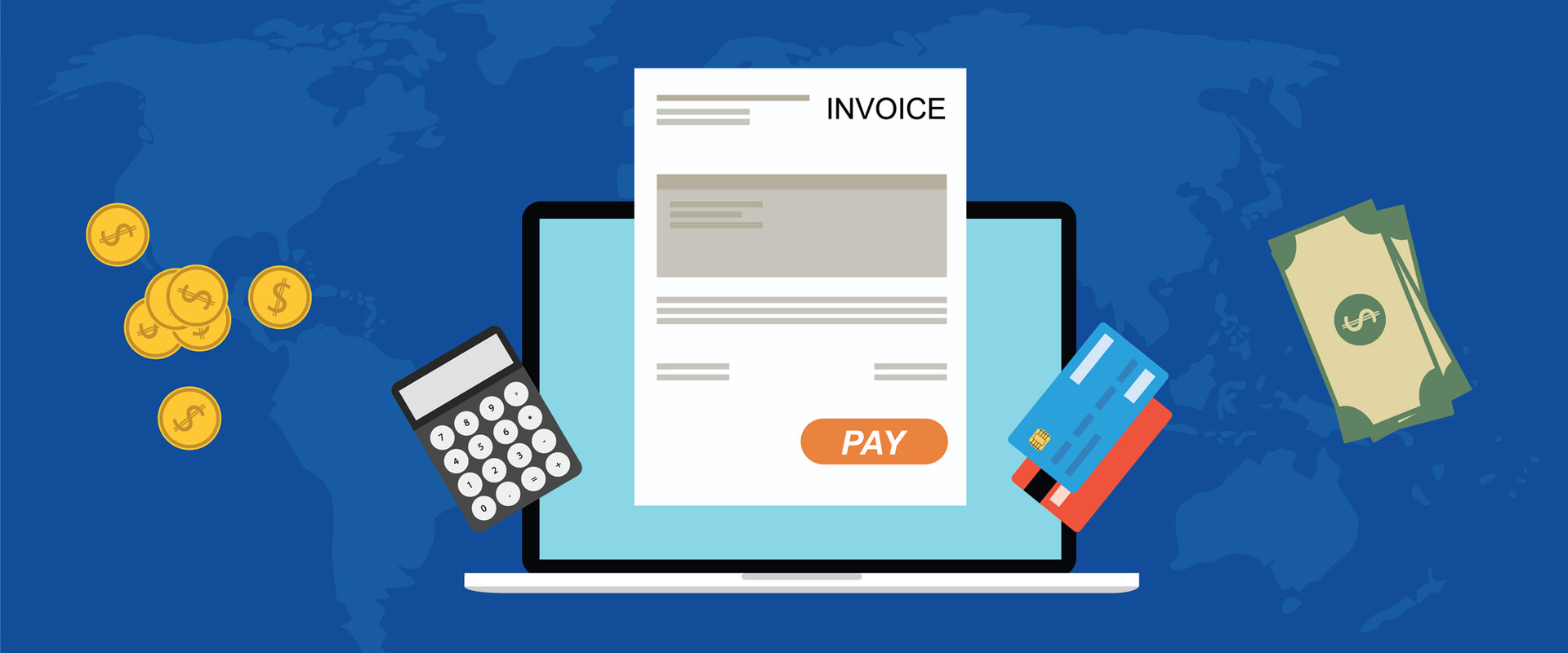
5. Invoicing & Payments
Make it easy to get paid — and look professional doing it.
✅ Why It Matters: Clean invoices + simple payments = faster cash flow.
Tools We Recommend:
-
Wave – 100% free invoicing, ideal for freelancers.
-
PayPal Business / Stripe – Accept card payments online.
-
Bonsai – All-in-one contracts + invoices + proposals (paid).
6. File Sharing & Cloud Storage
Store your files, deliver client work, and access everything from anywhere.
✅ Why It Matters: Keeps your stuff organized and safe.
Tools We Recommend:
-
Google Drive – Simple, free, and integrates with everything.
-
Dropbox – Great for large file sharing.
-
Notion – Use for wikis, templates, content libraries.
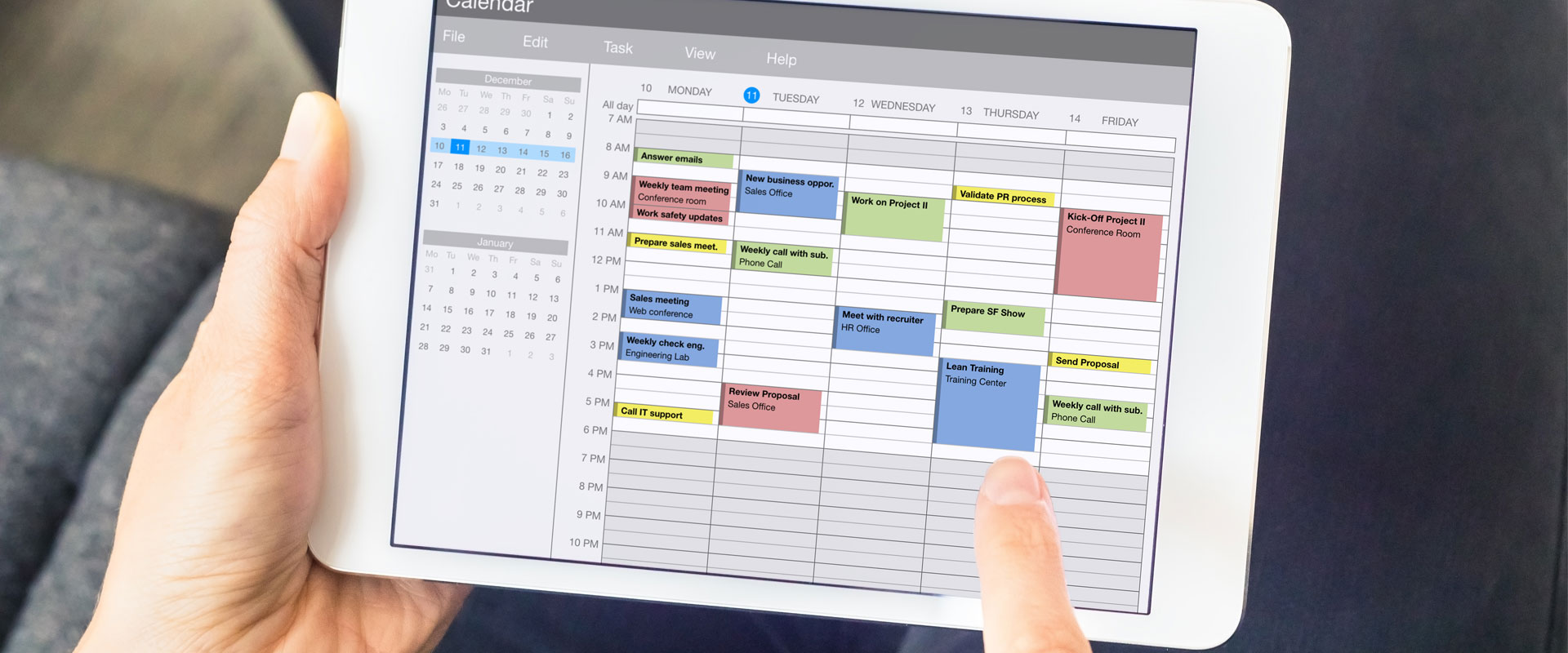
7. Task Management & Notes
Solo or not, your brain needs help. A simple system goes a long way.
✅ Why It Matters: Helps prioritize, avoid overwhelm, and stay focused.
Tools We Recommend:
-
Trello – Visual drag-and-drop board.
-
ClickUp – All-in-one task hub.
-
Notion – Our favorite for tasks + content + CRM in one place.
What You Don’t Need (Yet)
Don’t waste time or money on tools that sound impressive but don’t serve you right now.
Skip (for now):
-
Complex funnel builders
-
Advanced analytics tools
-
Expensive project management software
-
Paid advertising dashboards
Focus on clarity and clients — the rest can wait.
A Real Solo Stack in Action (Example)
Meet Jess — a freelance brand designer.
Here’s her real-life stack:
-
Website – Carrd + custom domain
-
CRM – Notion CRM template
-
Scheduling – Calendly + Zoom
-
Email – ConvertKit welcome series
-
Invoices – Wave
-
Files – Google Drive
-
Tasks – Trello board for weekly planning
That’s 7 tools — most of them free — and she runs a full-time business solo.
Final Thoughts: Keep It Lean, Keep It Simple
You don’t need to master tech to run a business — you just need the right tools that work together.
Start with this simple stack:
✅ Website
✅ CRM
✅ Scheduling
✅ Email
✅ Invoicing
✅ Files
✅ Tasks
As your business grows, you can expand. But for now? These tools will keep you organized, professional, and stress-free.